


Compliance activities on all Tasks of the Project are assembled on the Compliance page for further update. Each compliance record bears the officer, comment, compliance (Failed/Pass/Pending), date and other information.
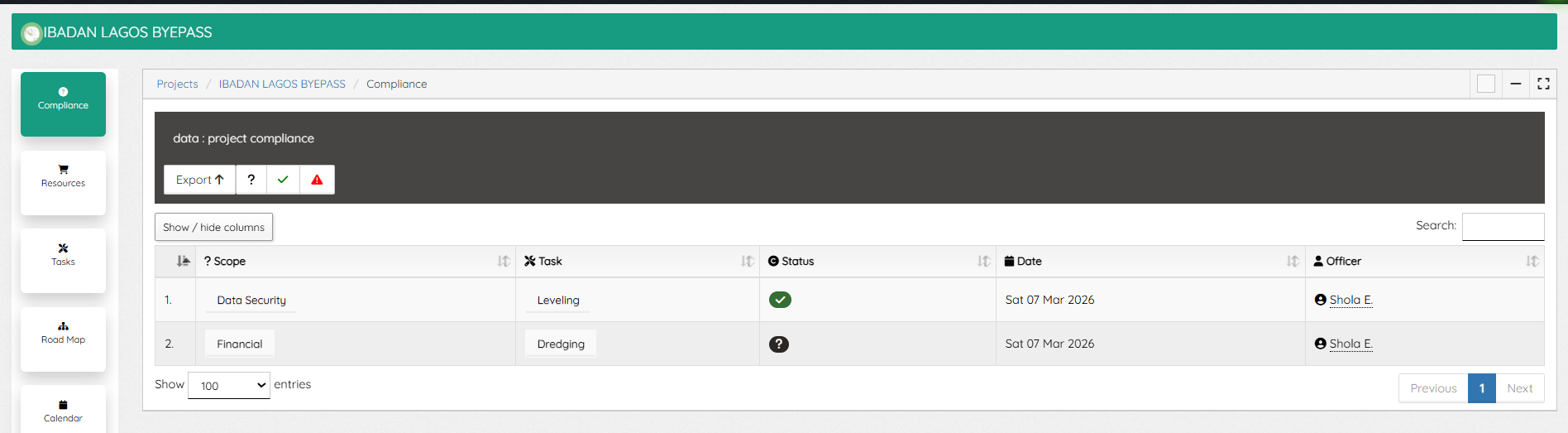
A click on a compliance record opens the window, showing expanded details and updating capabilities.
On editing a compliance record (only Compliance officers with such privilege can do so), compliance type can be selected and compliance set as Passed/Failed.
A click on the Task will redirect to the task window were the compliance details were captured. The “Activity Tab” of a Task is where compliance are initiated, on the Type select “Compliance”, enter your response, attached documents (if needed) and save.
Leave A Comment