


There could be some scenarios where Employees are grouped according to how they are paid. These is different from occupational groupings specialty or managerial like department e.t.c Payroll Groups helps to organize this, offering systematic ways to decide which set of employees get paid at any time.
After creating a group, employees are then placed in the groups, from the HR management interface.
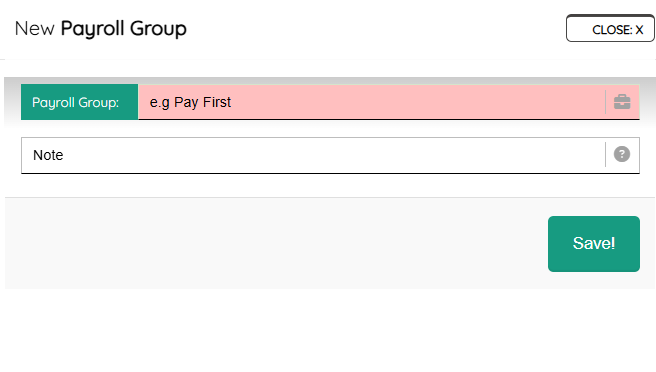
To create a group, click the “NEW”, then enter the group name and hit the “Save” button. Then go to the employee engagement page on HR and update the “Payroll Group”, selecting the newly created. This has to be done for each employee you want to be part of the group.
Next, when generating a payroll, you will be able to decide if the new payroll belongs to this group or other groups you have created.
Leave A Comment