


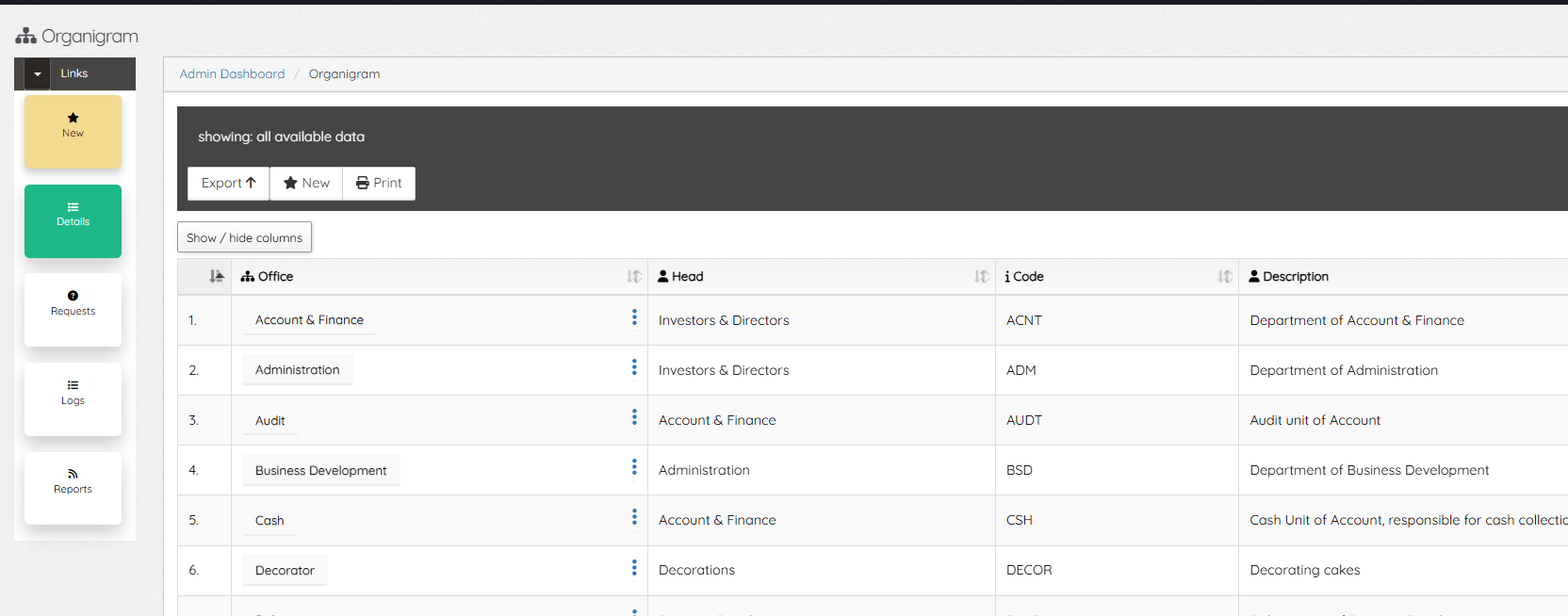
Company Departments and Units are defined in the Organigram. This is not same as Business Units which are the branches of the Company (in different locations).
To create a new Office or Department, click the NEW, if it’s new Office, enter the name and select how it stands; either as a Parent office/department or sub under an existing office (select existing), enter a unique code and Save. Office and Departments created here are available on every part of the system, including Employee Job placements (Positions).
Editing/modifying a record simply require click a office/department name. New updates are reflected on existing records. After setting up Departments and Offices, next is to setup Job Positions.
Leave A Comment