


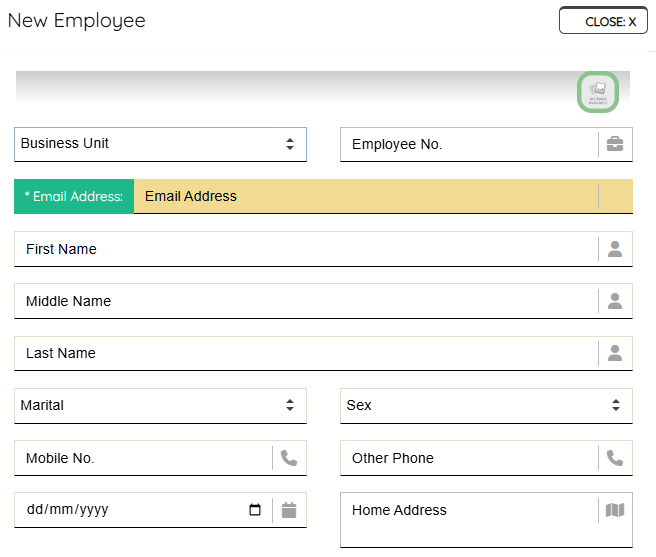
it is straightforward, adding a new employee to your Profitaa HR system. On the Personnel menu, click “New Employee”, follow through the form fields and enter appropriate data. Remember, Business Unit on Profitaa means “Branches” of your Company and NOT department or unit Employee belongs.
After creating an Employee record, you will be able to append other relevant records like, Next of Kin, Education, Job Engagements, and others. Created employee can immediately login to the Self-service dashboard via same central login using the email address on their profile (as entered) and default password: password
Leave A Comment