


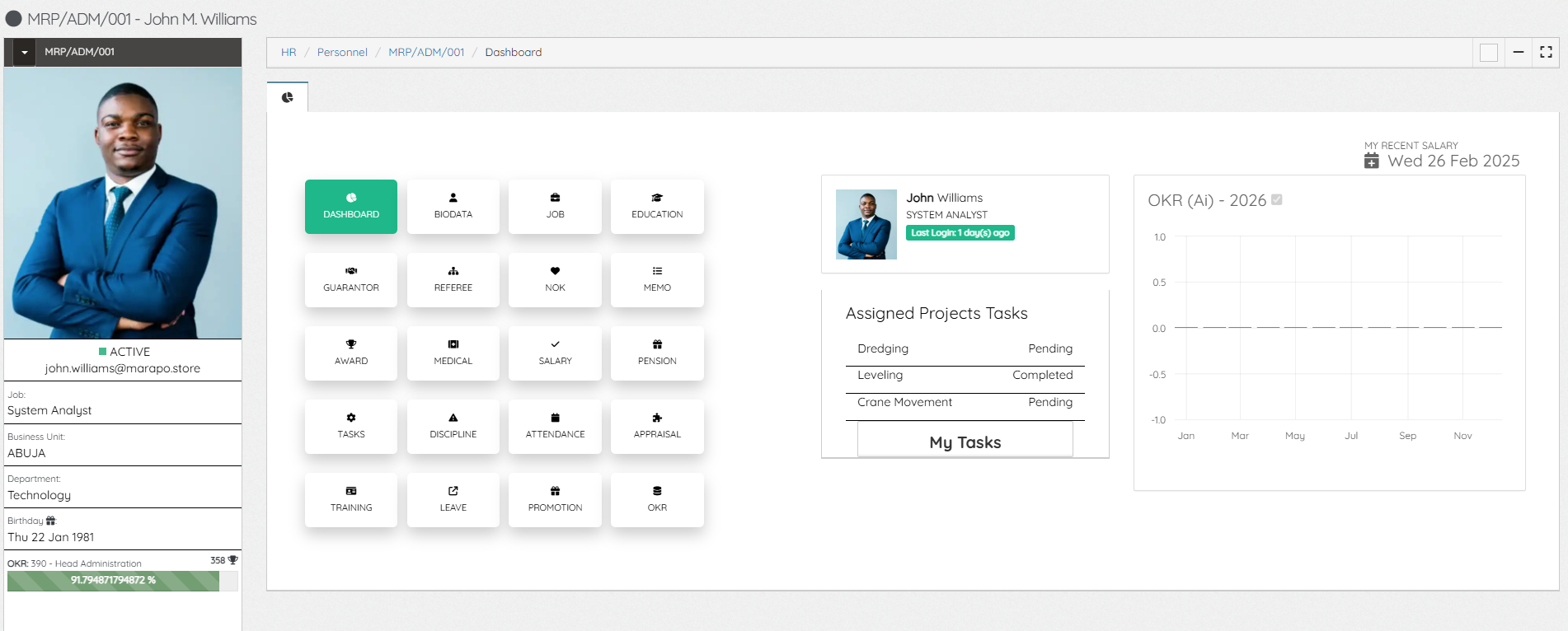
After an Employee record is created, they can proceed to the self-service by using the email address on their profile and the default password: password. On the Self-service, employees will be able to view and update certain areas of their records, biodata, Next of Kin, Job (Engagements), Education, Guarantor, Referees, Memo, Awards, Medical, Salary, Pension, Tasks, Discipline, Attendance, Appraisal, Training, Leave, Promotion, OKR.
At the left sidebar, the employee photo along with key details are displayed. At the middle are recent tasks assigned to the employee (from Projects) and a graph showing the OKR progress by the right.
The HR Administrator also has access to every employee dashboard and pages.
Leave A Comment